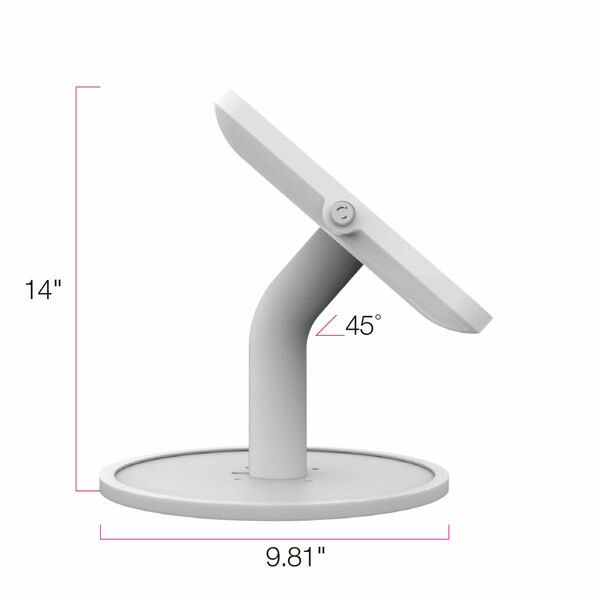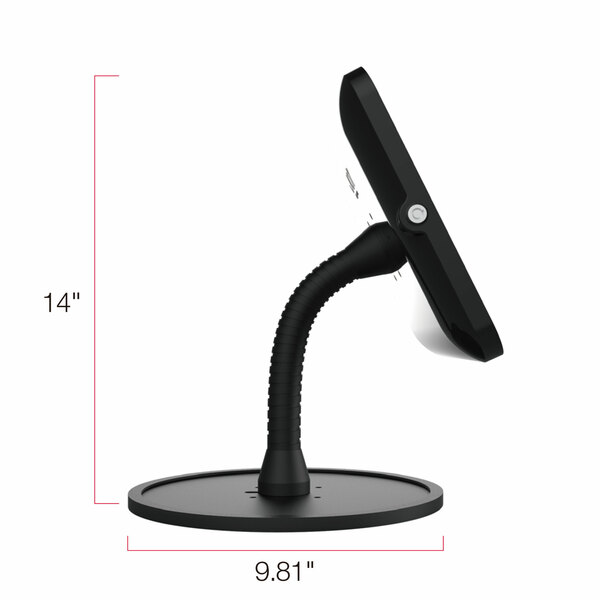
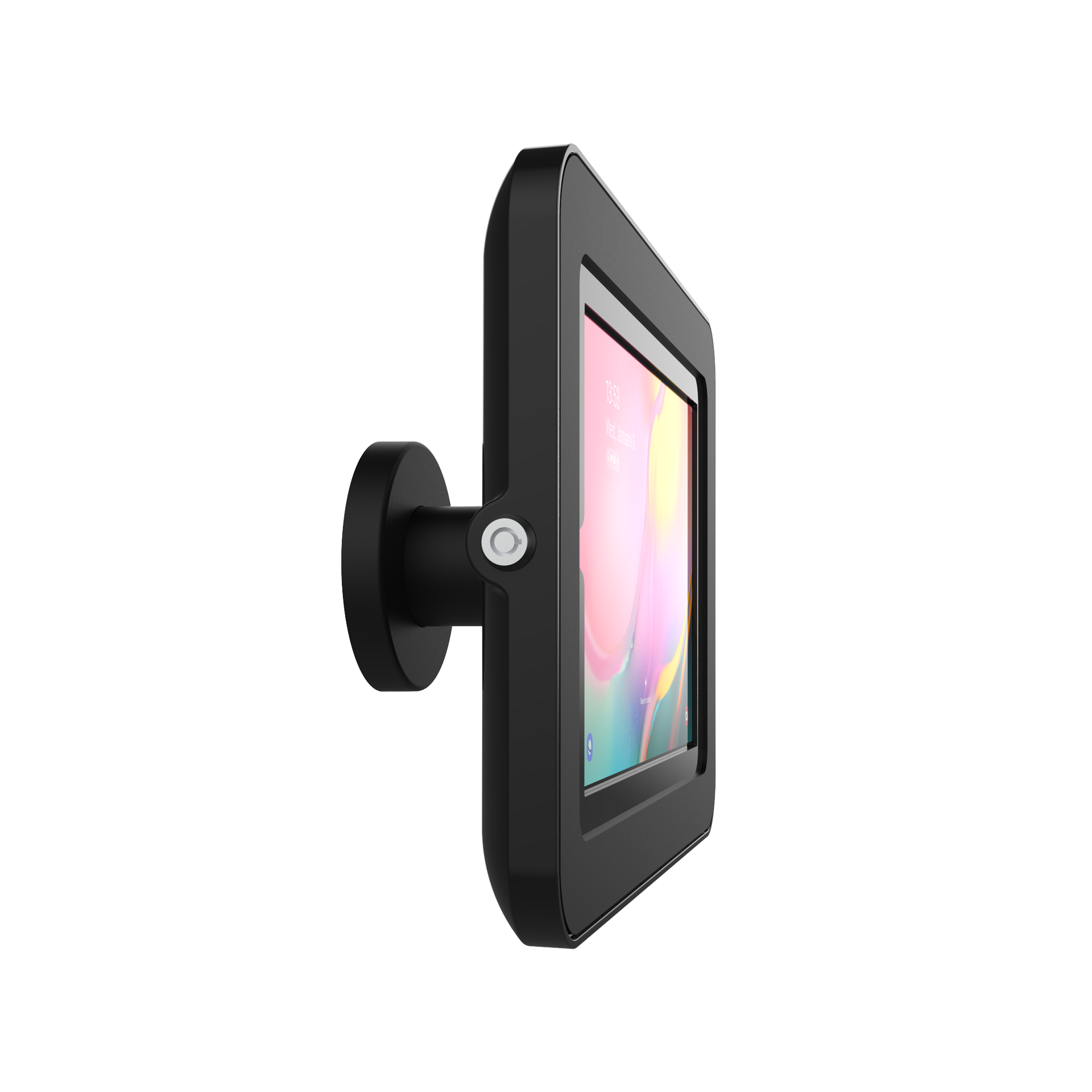
Elevate II On-Wall Mount Kiosk for Galaxy Tab A 10.1 (2019) (Black)

Elevate II On-Wall Mount Kiosk for Galaxy Tab A 10.1 (2019) (Black)

Du skal være logget ind for at kunne lave bestillinger

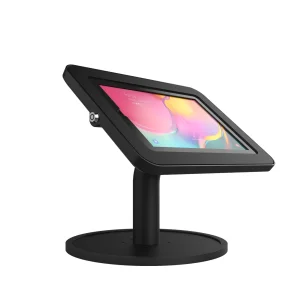
Denne kiosk-stander til væggen vil holde din tablet sikkert på plads. Til trods for dens robuste materiale er man ikke gået på kompromis med designet, som fremstår både stilrent og minimalistisk. Standeren er oplagt til informationsdeling på offentlige steder som showrooms, hotellobbyer mm. Elevate II On-Wall Mount Kiosken har en integreret låsefunktion for at beskytte din enhed mod tyveri og uautoriseret adgang, og dens indbyggede kabelsystem holder styr på kablerne, så miljøet omkring standeren fremstår pænt og ryddeligt.

Model/Varenr.: KAS304B
Lagerstatus: På fjernlager - ca, 14-21 dages levering


On-Wall Mount Kiosk


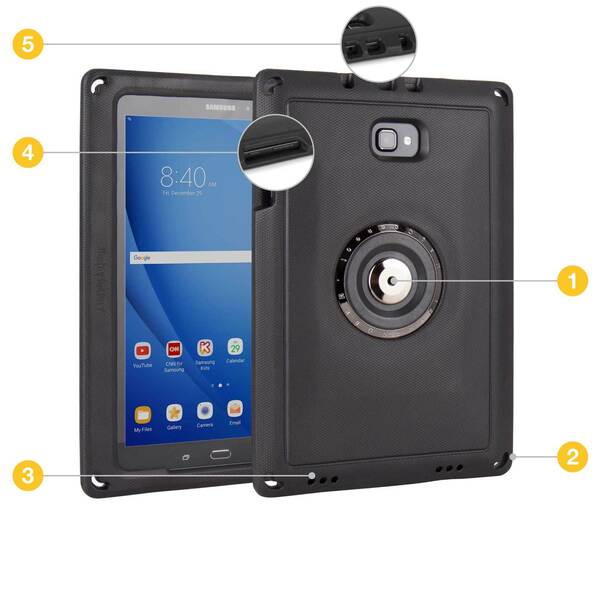
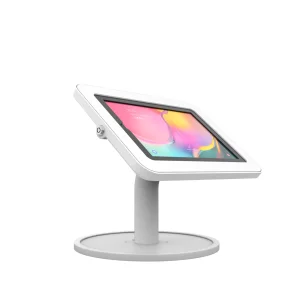
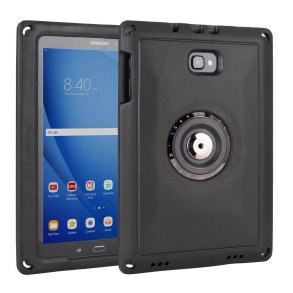
Elevate II On-Wall Mount is a sleek, full-featured solution for turning a tablet into an interactive display on a flat surface. It provides a minimalist view of the Samsung Galaxy Tab A 10.1 (2019) in a modern stylish way. It can be displayed anywhere, making it perfect for retail showrooms, hotel lobbies, trade show displays, and many other public spaces. It is equipped with a lock and key so you can keep your tablet in the enclosure without fear of it being removed. Each kiosk also comes with a slot compatible with Kensington Locks, so you can tether the entire kiosk to an immovable object for maximum security.


  • Compatible with the Samsung Galaxy Tab A 10.1 (2019)
  • Completely secured and enclosed
  • Access front camera
  • Easy installation
  • Premium built and finish
  • Slim and sleek design
  • Cable Management for clean set up
  • Highly customizable
  • Support Kensington lock port
  • Rotate 90 degree module (optional accessory)
Titel Type Størrelse Download
datasheet-KAS304B.pdf PDF 860.00KB Download
qsg00104-onwall-mount-kiosk-kaa204-3.pdf PDF 225.71KB Download
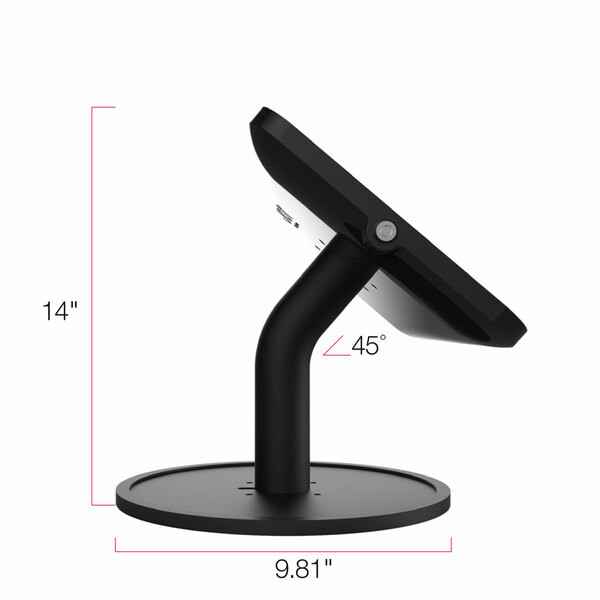
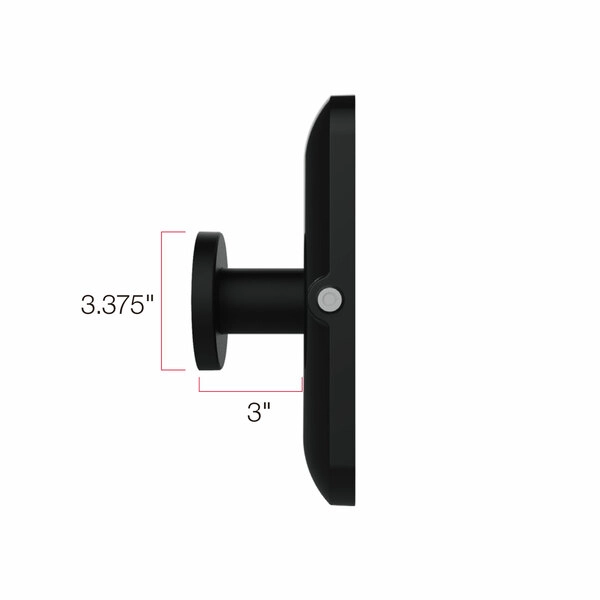
Length: 3"
Viewing Angle: 90º
Base Diameter: 3.37"
Compatibility: VESA 75mm and 100mm
Compatible Models: Galaxy Tab A 10.1 (2019) Wi-Fi: SM-T510NZ

Got questions about us or our products?

Visit our FAQs

Looking for our product Quick Start Guides?
No Quick Start PDF for this Product at this time